Та минута, когда интернет замедлился, научила меня, как важны скриншоты
He held his phone beside the ticket gate, and the small circle on the screen spun once, then again, stretching one minute into something much longer. The people behind him did not push, and the staff member simply gestured for him to step aside, but sweat had already appeared on his forehead. That day, at a bus station on the way from Hangzhou to Wuzhen, a foreign traveler finally understood something simple: phones are very convenient in China, but convenience does not mean being online every second.

Everything had been smooth at first. He had bought the bus ticket in a mini program, kept the hotel booking in his email, stored passport photos in the cloud, and saved the destination on his map app. He felt well prepared, even telling his travel companion that there was no need to print so many things because everything was on the phone. His friend asked, “What if the network is slow?” He laughed and said, “How could there be no connection in a city?” Half an hour later, he took that sentence back at the ticket gate.
The staff member asked, “Do you have the order number?” He understood “order number,” but the page would not open. His friend suggested checking email, so he tapped the mail app, but the message list would not load; then he opened cloud storage, and the thumbnails stayed gray. He kept switching between apps, becoming more confused with every tap. The staff did not scold him, only asked him to confirm at the service counter first. The problem was not serious, and the bus was not leaving immediately, but in that minute all his preparation felt locked behind a door that would not open.
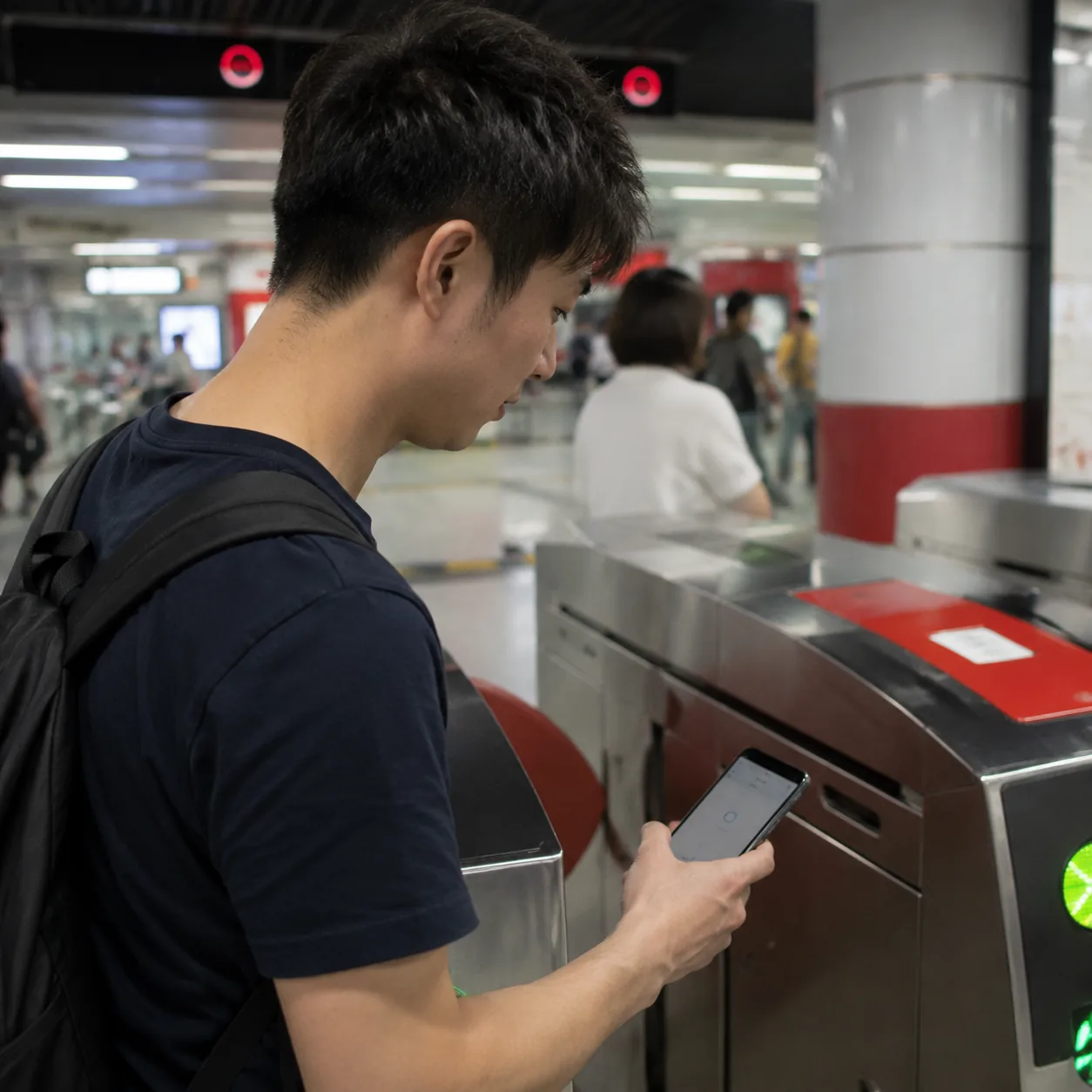
The woman at the service counter checked his passport and asked for the last four digits of his phone number. He answered slowly because he was nervous. A local passenger beside him said, “It’s much faster if you have screenshots.” There was no pride in the sentence, only everyday experience. The woman nodded too and said that in the future he should screenshot tickets, hotel addresses, order numbers, and payment-success pages, then keep them in the photo album. If the album felt messy, he could make a folder for that travel day. Ten seconds while the connection is good can save ten minutes when it is slow.
His companion opened her phone and found a ticket screenshot she had taken casually before leaving. The image was not pretty; the battery icon was visible at the top, and the time was not current, but the order number, bus number, departure station, and seat information were clear. After seeing it, the staff quickly checked the booking and printed a paper confirmation. The traveler stood beside the counter feeling slightly embarrassed. He had assumed screenshots were a backup for people unfamiliar with phones. It turned out the person who needed a backup was himself, the one who trusted the phone to stay smooth forever.
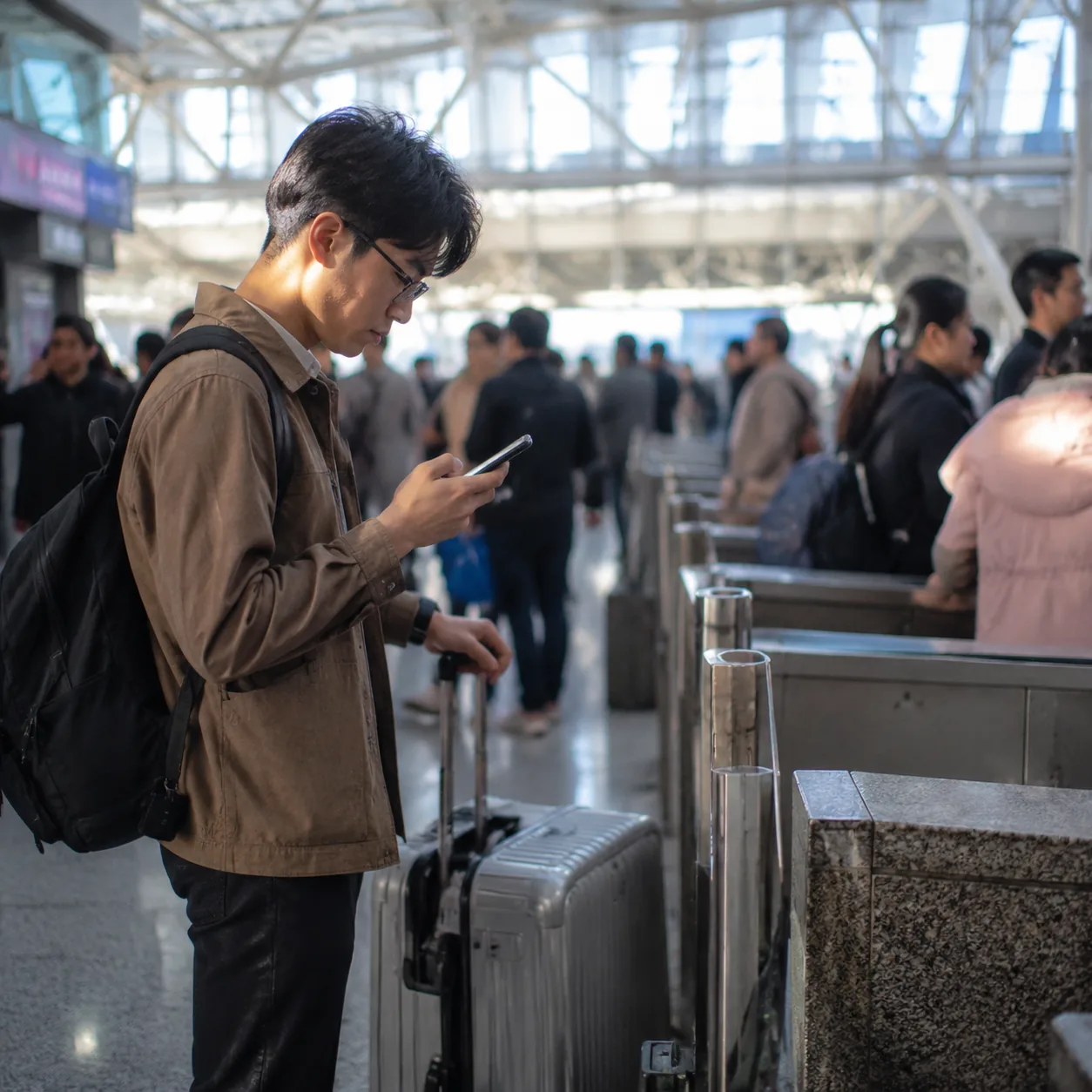
After getting on the bus, he did not immediately look at the scenery outside. Instead, he began organizing his phone. First he took a screenshot of the hotel confirmation, making sure it showed the check-in date, Chinese hotel name, address, and phone number. Then he saved a map screenshot of the hotel location with the nearby metro station included. Next he downloaded the passport photo from the cloud into a local protected album. Finally he put the day’s QR codes and reservation pages into a new album with a plain name: Things for Today.
His companion laughed at how serious he had suddenly become. He said it was not sudden seriousness; that one minute had simply been too long. Before, he had understood “paperless” as keeping nothing locally, thinking it was light, modern, and environmentally friendly. Now he understood that paperless travel does not mean travel without backups; it means smarter backups. A screenshot may not replace the original page, and it may not work in every situation, but at the most awkward moment it can provide key information: who I am, where I am going, what I booked, and what I have paid for.
After they arrived in Wuzhen, they met another small test. The hotel front desk needed to see the reservation information. This time the traveler did not open his email first; he opened the photo album. The receptionist saw the Chinese hotel name, check-in date, and order number, then found the booking quickly. Only after the connection recovered did the traveler reopen the email to check details. The receptionist said, “This is easier for you, and easier for us too.” That sentence relaxed him completely. Screenshots are not about distrusting others or making travel tense; they simply help communication take fewer detours.
Later, when he told other first-time visitors to China about this experience, he no longer said, “Just keep everything on your phone.” He said that keeping things on the phone was fine, but it was better to think in three layers: use the original page when online, use local screenshots when the connection is slow, and write the most important details on a small piece of paper in the bag. A hotel’s Chinese name, address, phone number, order number, last digits of the passport number, and emergency contact take almost no space, but they can pull a person back from panic.
The short bus trip was not delayed in the end, and he did not truly lose anything. But after that day, whenever he arrived in a new city, the first thing he did was not photograph scenery but screenshot the pages he might need that day. Stored in the album, they did not look like travel memories; they were almost boring: a ticket, an address, an order number, a map pin. Yet he knew that these boring images could become the most reliable signposts in the exact moment when the network slowed down.