In Wuhan, I Put My Hotel Address and Help Phrases at the Front of My Phone
Before traveling in Wuhan, the phone does not need to become complicated. In an unfamiliar city, it is often better to make the phone a little dumber and steadier: fewer jumps between apps, less dependence on last-minute searching, less typing in a hurry beside the road; more screenshots, more offline material, and more essential information gathered on one screen. Wuhan is large, the river is wide, the metro lines stretch far, and old neighborhoods and new districts can change quickly. At a metro interchange, on a windy riverside path, at a pharmacy counter, or near a ride-hailing pickup point, what truly matters is not a dazzling feature but the ability to find a QR code, hotel address, emergency contact, map, medicine list, or driver message within three seconds.
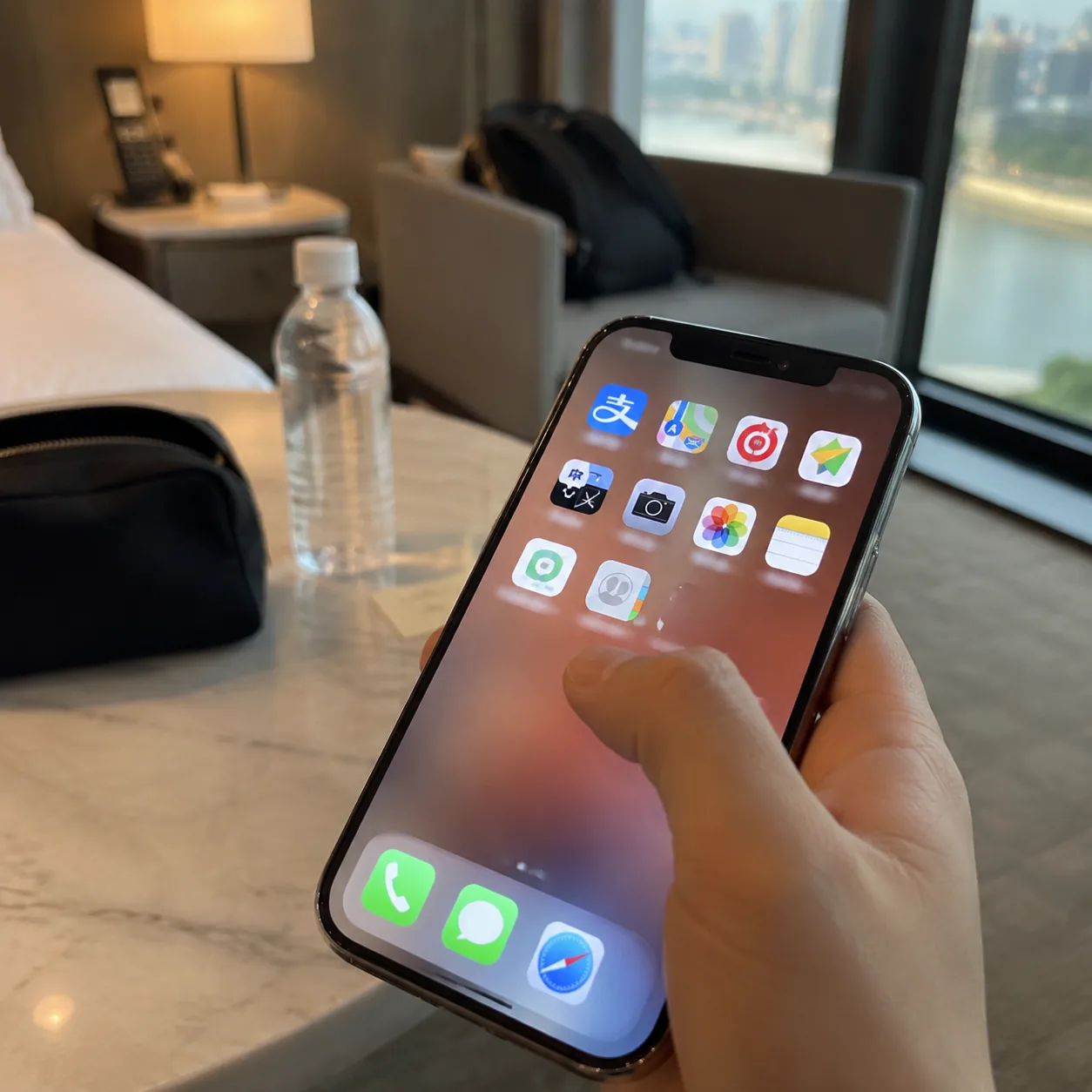
I call this preparation method “one-screen organization.” It does not mean deleting every app, nor does it mean chasing minimalism until the phone becomes inconvenient. It means creating a temporary travel desktop for practical scenes. The first screen holds only the tools used most during the day: payment, maps, metro, ride-hailing, translation, camera, photos, notes, hotel information, and emergency contacts. Social media, shopping, video, and other distracting apps move to the second screen. Once in Wuhan, many moments become fragmented: leaving the metro and checking the exit, reaching the riverside and confirming the route, buying medicine and showing symptoms to a clerk, or answering a driver’s call and confirming the pickup spot. If every moment requires searching through a dozen icons, your mood slowly gets scattered.
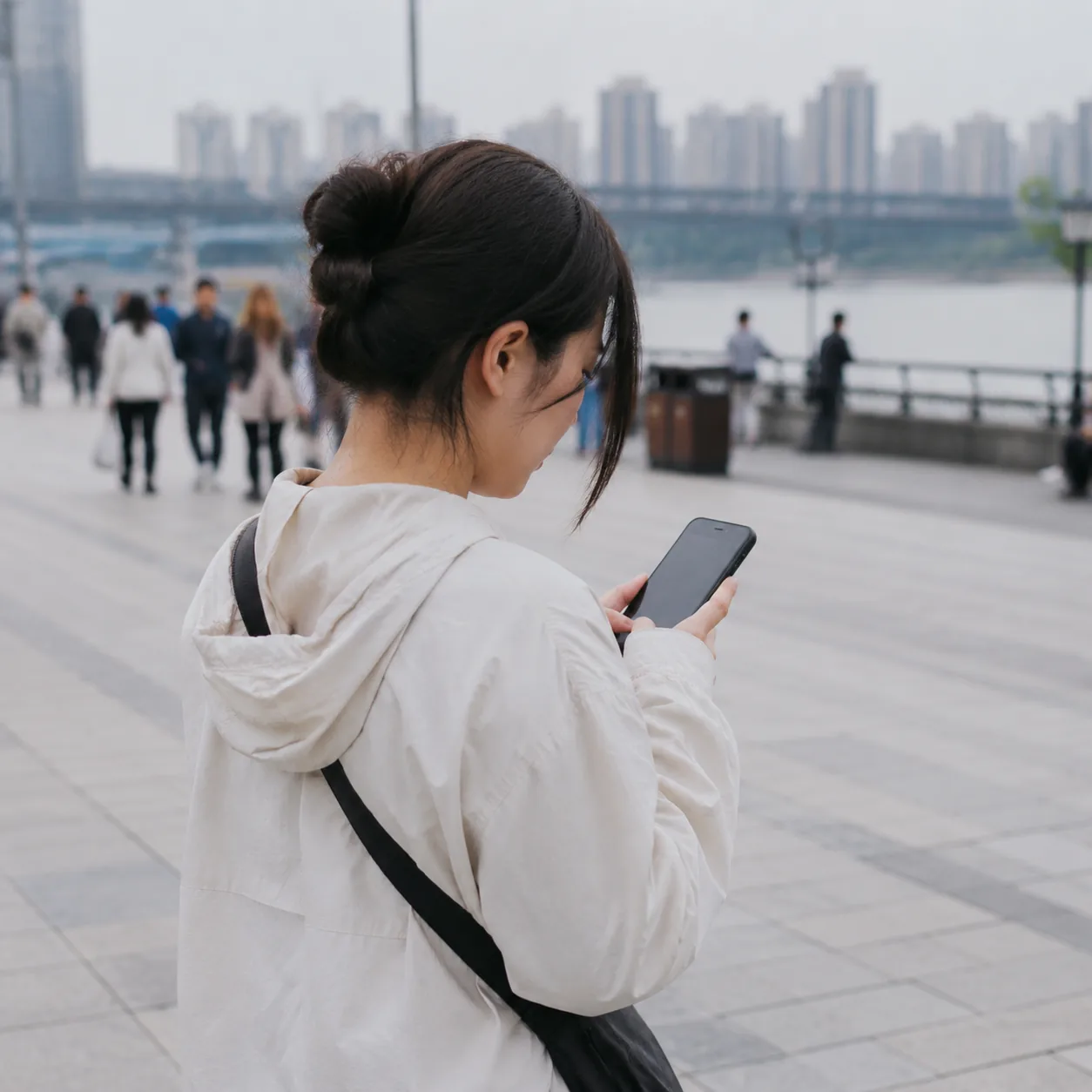
The first step is to turn arrival information into a fixed card. The card should include the hotel’s Chinese name, English name, full address, front desk phone number, nearest metro station, nearby landmark, guest name, and booking number. It is also useful to add a simple sentence: I am staying here; please help me confirm the direction. Save this card in notes and also keep a screenshot in your photo favorites. If the network is slow or the map fails to load, you can show the image to metro staff, a convenience-store clerk, a taxi driver, or a passerby. In Wuhan, some road names, bridge names, and commercial areas can sound similar; a screenshot is steadier than a hurried verbal description.
The second step is to prepare a low-tech metro route. Wuhan’s metro is convenient, but stations can be large, some transfers are long, and popular hours bring heavy crowds. Do not rely only on live navigation. Before leaving, screenshot the route map, station names, transfer station, and target exit for the day. The screenshot names can stay simple, such as “morning to Yellow Crane Tower,” “afternoon to Jianghan Road,” and “night back to hotel.” If your photo app allows albums, create one called “Wuhan Today.” Put only today’s useful screenshots inside, not dozens of scenery photos. When you reach the platform, you do not need to search again; you simply open the album and confirm the direction.
Pay attention to signal and battery inside the metro. Do not wait until entering the station to download maps, and do not start looking for the transit code in front of the gate. Place the transport QR code in a widget or shortcut, set the screen brightness high enough for scanners, and extend auto-lock slightly. As a backup, know how to buy a single-journey ticket or prepare a screenshot explaining your usual payment method. Wuhan’s rush hours can be crowded, and the gate area is not the place to study your phone slowly. Making the phone dumber means finishing complicated steps in advance and reducing the on-site action to “open, show, pass.”
The third step is to prepare offline information for riverside walking. Wuhan’s riversides are worth taking slowly: Hankou River Beach, the Wuchang side, and the area near the Yangtze River Bridge all offer open wind and long walking paths. But riversides also make distance easy to underestimate. A short segment on the map may feel longer in reality because railings, underpasses, construction barriers, temporary events, and crowds change the rhythm. Before leaving, screenshot the starting point, ending point, nearest metro station, possible bus stops for retreat, public toilets, and convenience stores. Especially at night, when you watch the lights, photograph the bridge, and enjoy the river wind, you may walk farther than expected; the return route should already be saved.

When the riverside wind is strong, using the phone becomes awkward. Cold hands, a wet screen, low brightness, and drifting location signals can slow down normally easy actions. Screenshot the weather, rain chance, wind level, and sunset time, and place a simple “route back to hotel” screenshot as the first favorite. Keep the power bank in an outer pocket rather than at the bottom of a bag. Do not stuff too many receipts inside the phone case; they may slip when scanning codes. When taking photos, avoid spending all your battery on video, because the return from the riverside needs a reliable phone more than the filming itself does.
The fourth step is to prepare a quiet set of sentences for pharmacies. Buying medicine while traveling can become stressful when symptoms are hard to explain, especially for a sore throat, stomach trouble, allergies, motion sickness, or blisters. Write several short notes in advance: I have a headache; my stomach feels uncomfortable; I may be allergic; I do not want medicine containing a certain ingredient; I need bandages; please tell me the dosage and frequency; if it becomes serious I will go to a hospital. Add English below each line, or add your own language. Clearly list allergies, current medications, and ingredients you must avoid. At the pharmacy, showing the phone to the clerk is steadier than coughing while trying to explain.
Screenshots are useful in pharmacy situations too. The difference between prescription medicine, over-the-counter medicine, supplements, and external-use products cannot always be judged by packaging color. Save photos of your usual medicines, their generic names, dosage, and doctor’s notes in an album. Do not photograph only the brand name, because brands may differ by region. Also, do not treat a pharmacy as a clinic. Clerks can help find common medicine, but they cannot replace a doctor’s judgment for serious symptoms. Keep the address and phone number of a nearby hospital or emergency department on the phone; even if you never use it, it gives peace of mind.
The fifth step is to make ride-hailing work with fewer words. Wuhan’s road network can be complex: cross-river routes, bridge entrances, underground mall garages, and temporary stopping points around scenic areas may cause drivers and passengers to miss each other. Before ordering, make sure the pickup location is not simply pinned at the center of a building. Choose a specific spot such as the doorway, roadside, outside the hotel lobby, a numbered metro exit, or the entrance of a convenience store. Screenshot the pickup point and send it to companions, and keep it in your album. If the driver calls, you can read a landmark directly: I am outside Exit A of this metro station, next to this shop, wearing this color.
Prepare a few Chinese sentences to show drivers: Please wait at this exit; I do not speak Chinese well, please send text; I am by the road and arriving soon; if cars cannot stop here, please tell me the new pickup point; please take me to the hotel main entrance. On rainy days, during evening rush hour, or after riverside events, a driver may ask you to walk to a better stopping place. Do not stare at the map while crossing roads. First stand somewhere safe, then confirm the new location. No phone setting, however smart, can replace looking up at traffic.
The sixth step is to give all important information a double backup. One backup in the cloud and one on the device; one inside the app and one as a screenshot. Hotel bookings, transport bookings, identity-document photos, insurance information, emergency contacts, flight or train details, and payment instructions should exist in at least two forms. Screenshots should not merely pile up chronologically in the photo roll; favorite them, place them in an album, or copy them into notes. During travel in Wuhan, phone networks are usually fine, but the moment you truly need information may happen underground, under a bridge, deep inside a mall, in rain, or in a crowd. Offline information is not needed because the city is inconvenient; it is needed because a traveler’s attention is limited.
The seventh step is to make the screen better for real-world use. Increase font size slightly, place the most useful language keyboard first, confirm voice input and keyboard switching, reduce lock-screen notifications, and make low-power mode easy to reach. Allow location access for maps and ride-hailing apps, allow the camera to access photos, and confirm that payment apps open properly. Do not wait until the pharmacy counter to discover that permissions are blocked, and do not wait at the metro gate to realize brightness is too low. You can set a travel focus mode: allow only calls, maps, payment, ride-hailing, companion messages, and hotel calls, while muting other notifications temporarily.
The eighth step is to prepare a “meet if separated” page. When traveling with companions, the most common trouble is not a major accident but losing each other in malls, metro stations, night markets, riverside parks, or scenic exits. Meeting points must be specific; do not simply say “the entrance.” Write them as: outside a certain exit of Jianghan Road metro station, in front of a certain shop; beside the ticket office outside a certain gate of Yellow Crane Tower; the sofa area in the hotel lobby; under the sign of a particular convenience store. Send screenshots of the meeting point to the group and save them in everyone’s photo album. For elderly travelers or children, this image can become the lock screen wallpaper, or the same information can be written on paper and kept in a pocket.
The ninth step is to leave backup options for payment and identity documents. Most of the time mobile payment works smoothly, but travel should not place all confidence in one entrance. Carry a small amount of cash, confirm a bank card or backup payment method, and save document photos without casually showing them to strangers. Payment apps can stay on the first screen, but passwords, identity numbers, and bank-card photos should not sit in an unlocked album. If the phone is lost, the most important thing is to contact companions, the hotel, and payment platforms quickly to freeze relevant functions. Therefore the emergency contact page should include companion numbers, hotel number, bank customer service, carrier customer service, and embassy or home-country emergency assistance information.
The tenth step is to spend three minutes organizing every night. After returning to the hotel, do not let the day’s screenshots keep piling up. Delete routes that are no longer needed, keep useful addresses, and move tomorrow’s screenshots to the front of the album. Charge the power bank, phone, and earphones. Reconfirm tomorrow’s metro route, riverside walk, pharmacy or supermarket location, and return ride-hailing point. Wuhan itineraries often change because of weather, friends’ recommendations, a sudden craving for hot dry noodles, or a river view. Phone organization should change with them. The day’s one-screen setup is not a permanent desktop; it is a tool board that can be rearranged for tomorrow.
This method may look dumb, but it reduces many small travel panics. Dumb means writing key sentences in advance; steady means saving route screenshots; dumb means keeping the QR code in a fixed place; steady means knowing what to do when the network fails. In a city like Wuhan, the real pleasure is not inside the phone but in the bridge shadows while crossing the river, the steam rising near metro exits, hair blown loose by riverside wind, a pharmacy clerk saying “twice a day,” or a driver confirming “I have reached the exit.” The quieter the phone becomes, the clearer the city feels. You do not need to turn yourself into a guidebook machine; you only need the phone to become a reliable paper note in your pocket.
Finally, here is a one-screen checklist you can copy directly: first row for payment, metro, map, and ride-hailing; second row for camera, photos, translation, and notes; third row for hotel card, today’s route, pharmacy sentences, and emergency contacts; bottom dock for phone and messages. In photos, create three albums: Today’s Routes, Important Documents, and Health and Medicine. In notes, create four cards: Hotel Address, Driver Sentences, Pharmacy Sentences, and Meeting Point If Separated. Before leaving, open each one once and confirm that it can be viewed offline. Then, even if you are standing in the flow of Wuhan’s metro, even if rain suddenly starts by the river, even if you cannot explain yourself clearly in a pharmacy, even if the ride-hailing location drifts, you can handle it slowly.